Your SSH vault.
On your own box.
Run Tessh sync on a machine you control. Your hosts, snippets and keys follow you between your Mac and iPhone without touching our servers, and they're still encrypted on every device.
$curl -fsSLO https://tessh.dev/self-host/compose.yml
$docker compose up -d
Set up a Tessh sync server on this machine by following https://tessh.dev/self-host/agent.md. Ask me before you install anything or change my web server.
Docker with Compose · one small image · one SQLite file · source-available
Same app. Pick where
the locked box lives.
Tessh sync
- Nothing to run. Make an account in the app
- Up to 5 MB or 10,000 items
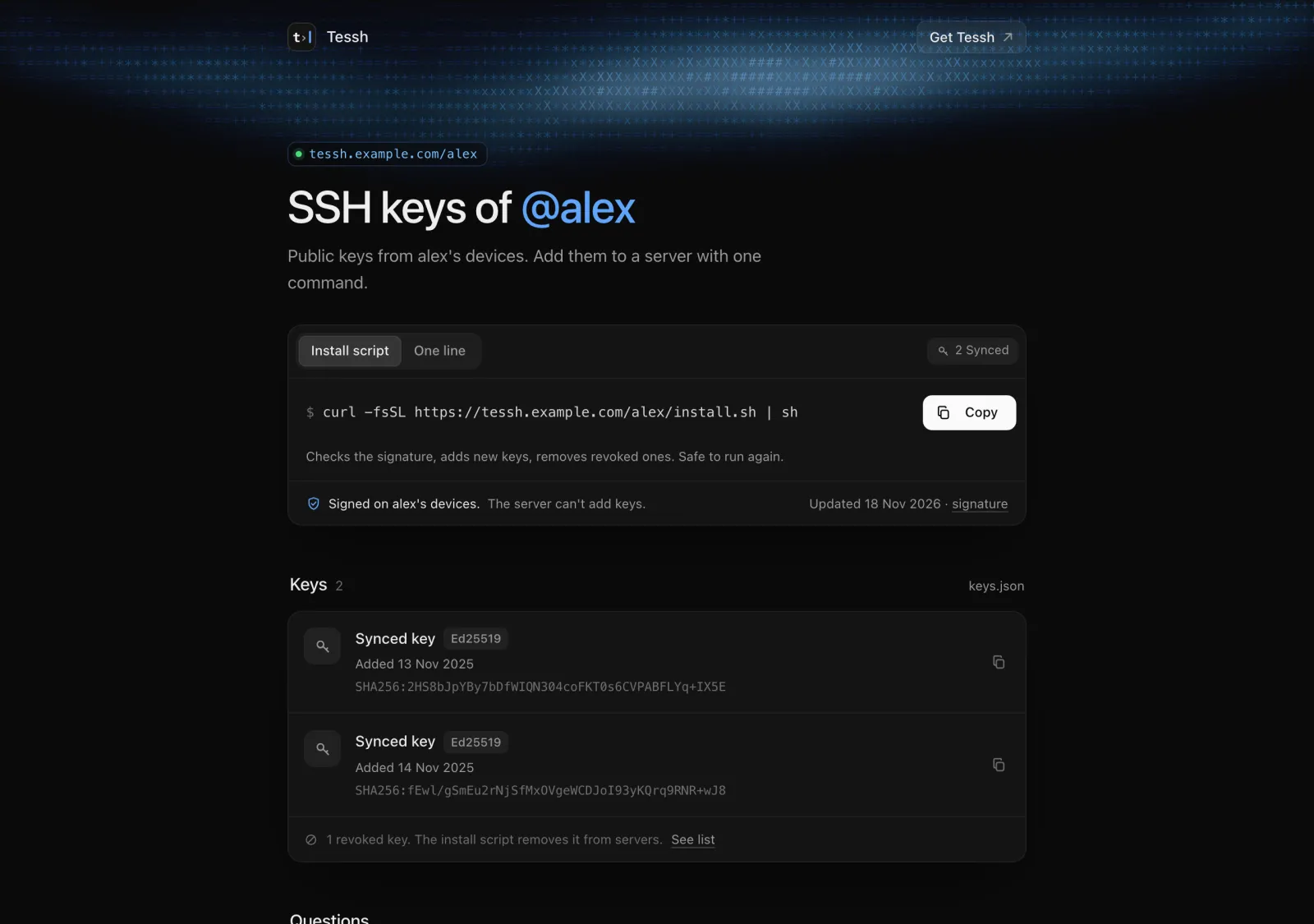
- Key page at keys.tessh.dev
- We keep it running
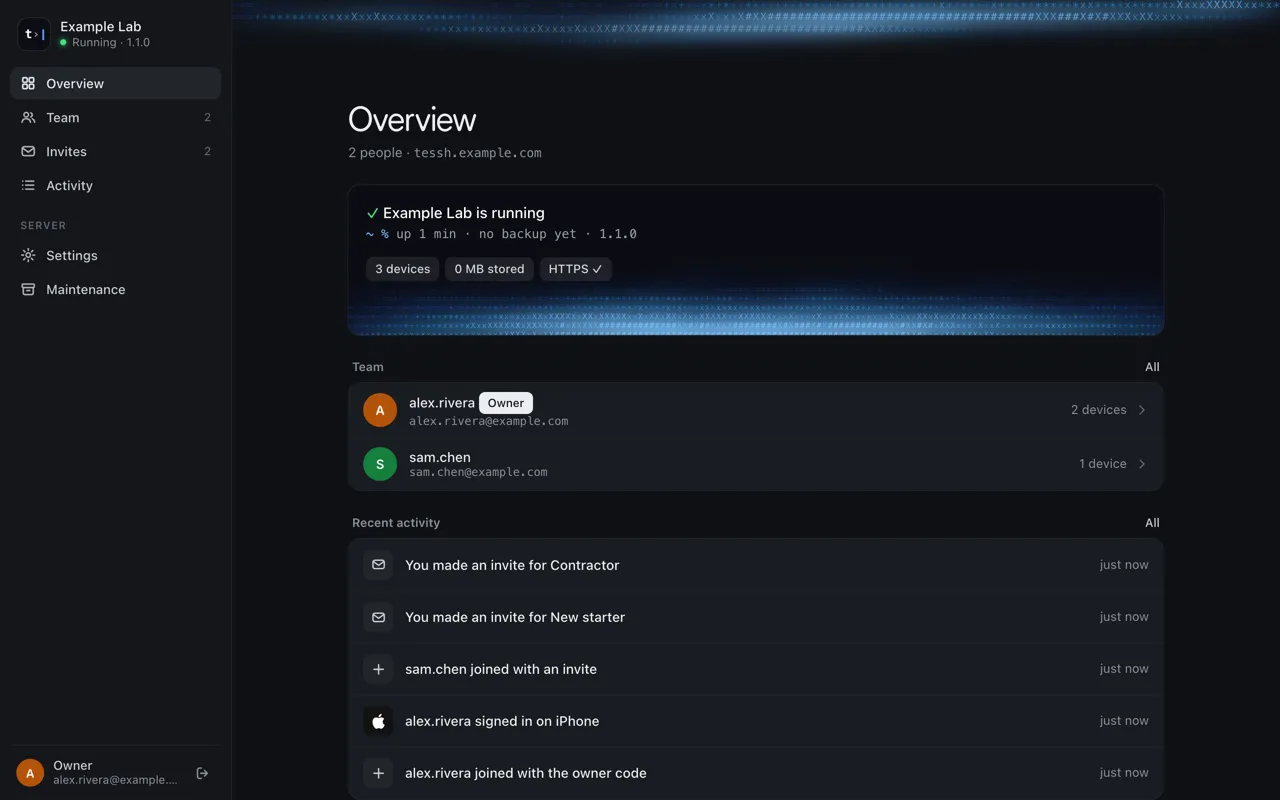
Your own server
- Your data never touches our servers
- Your key page on your own domain
- Works on a private network such as Tailscale
- Room for family or teammates if you want
About ten minutes, start to finish.
Install
Two commands. No passwords or environment variables.
$ docker compose up -d
✔ tessh-server Started
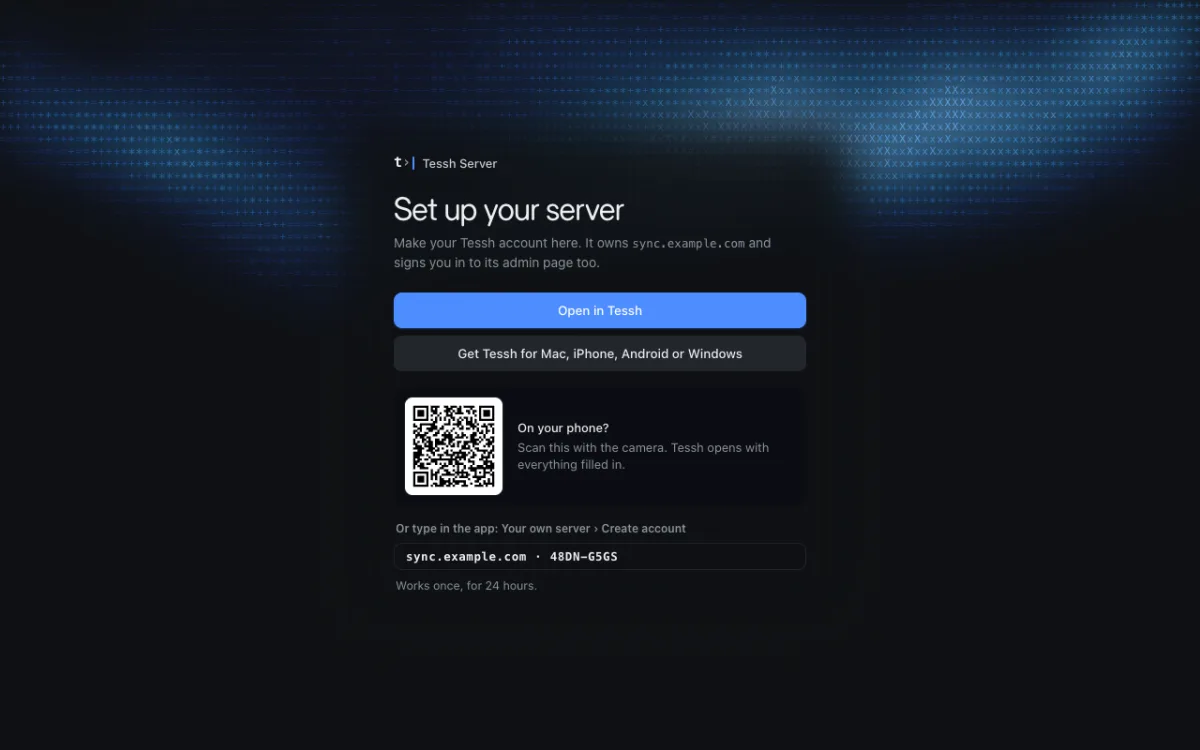
Open the setup link
The log prints it. Press Open in Tessh, or scan it with your phone. Your Tessh account owns the server.
Add HTTPS
The apps need it. Caddy gets the certificate for you.
reverse_proxy :8080
}
Connect your other devices
In Tessh, choose Your own server and sign in with the same account. It signs you in to the admin page too.
Bring someone along
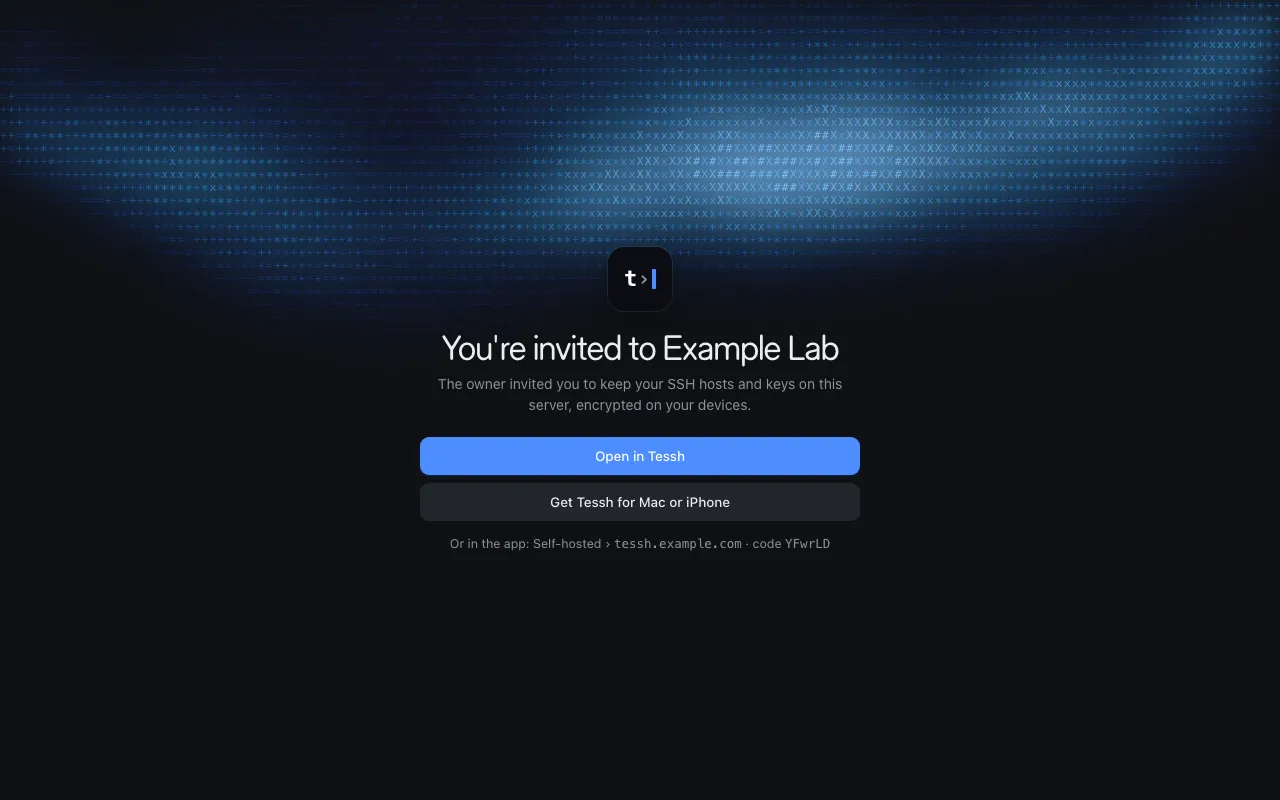
Send a family member or teammate an invite link. It opens Tessh with your server filled in. Each person's vault is locked to them, so you can't read theirs.
The server only
holds locked boxes.
Everything is encrypted on your Mac or iPhone before it's sent. If the machine is ever lost or broken into, there's nothing readable on it.
- Your email and username
- Device names
- Storage used
- Hosts and addresses
- Private keys
- Passwords and snippets